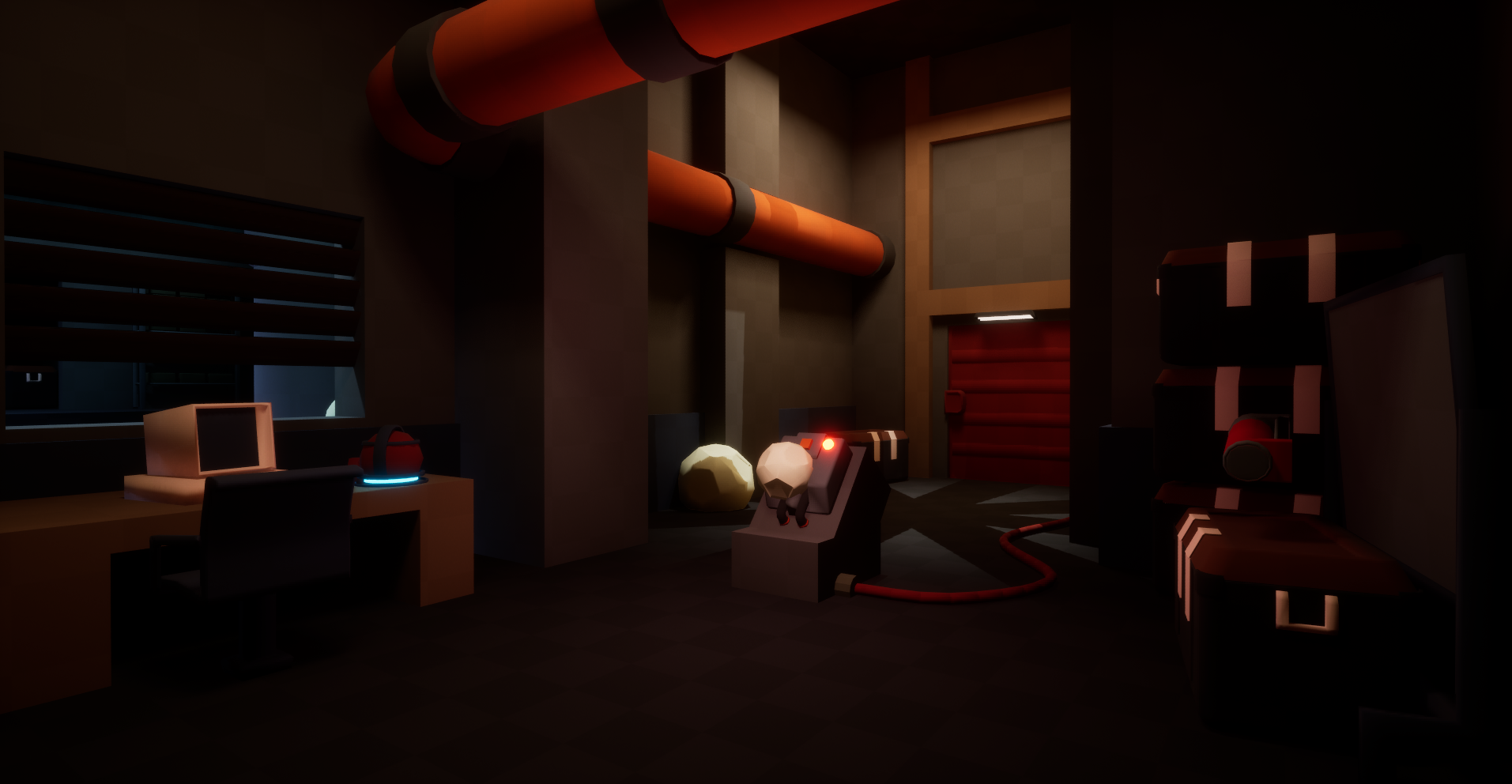
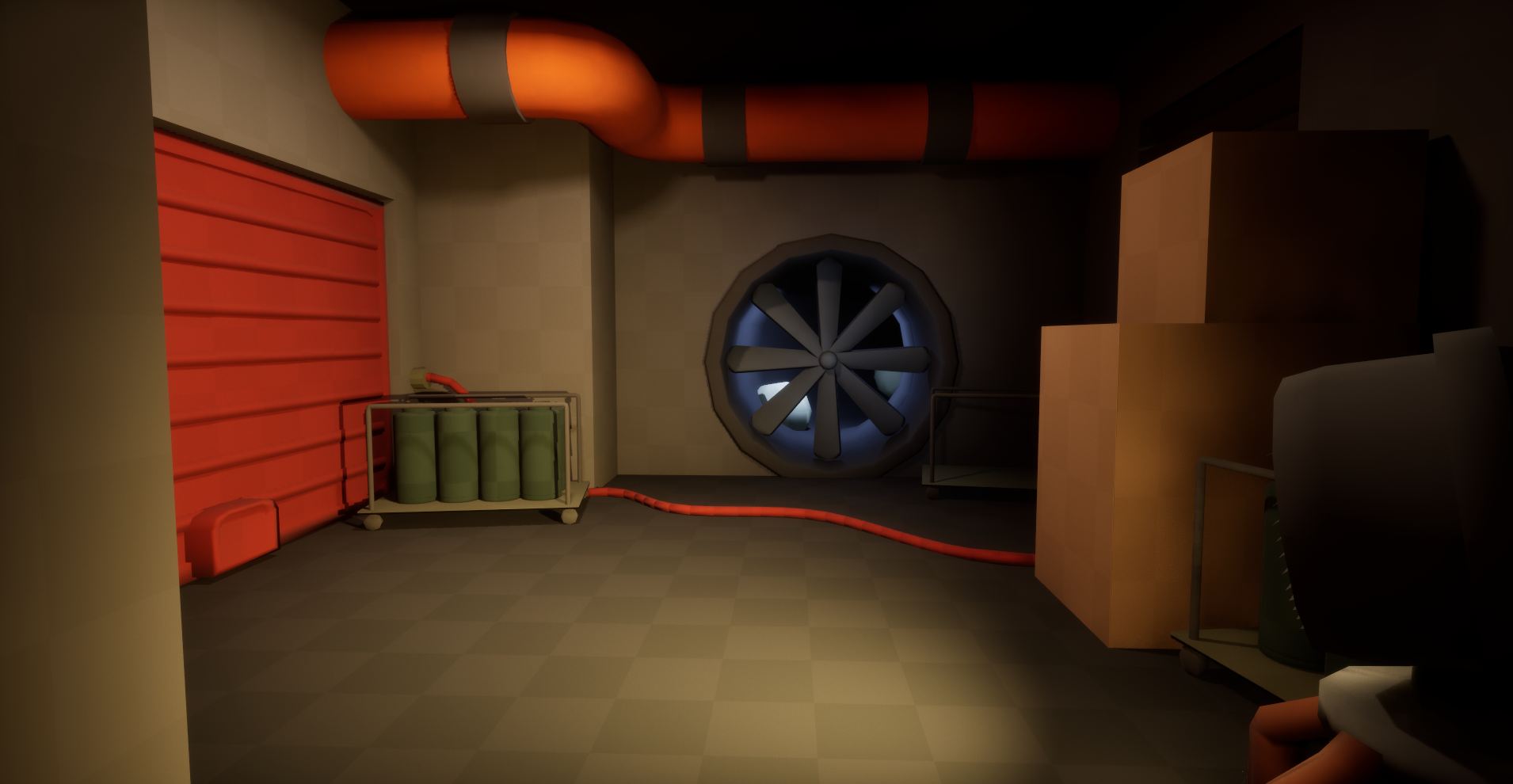
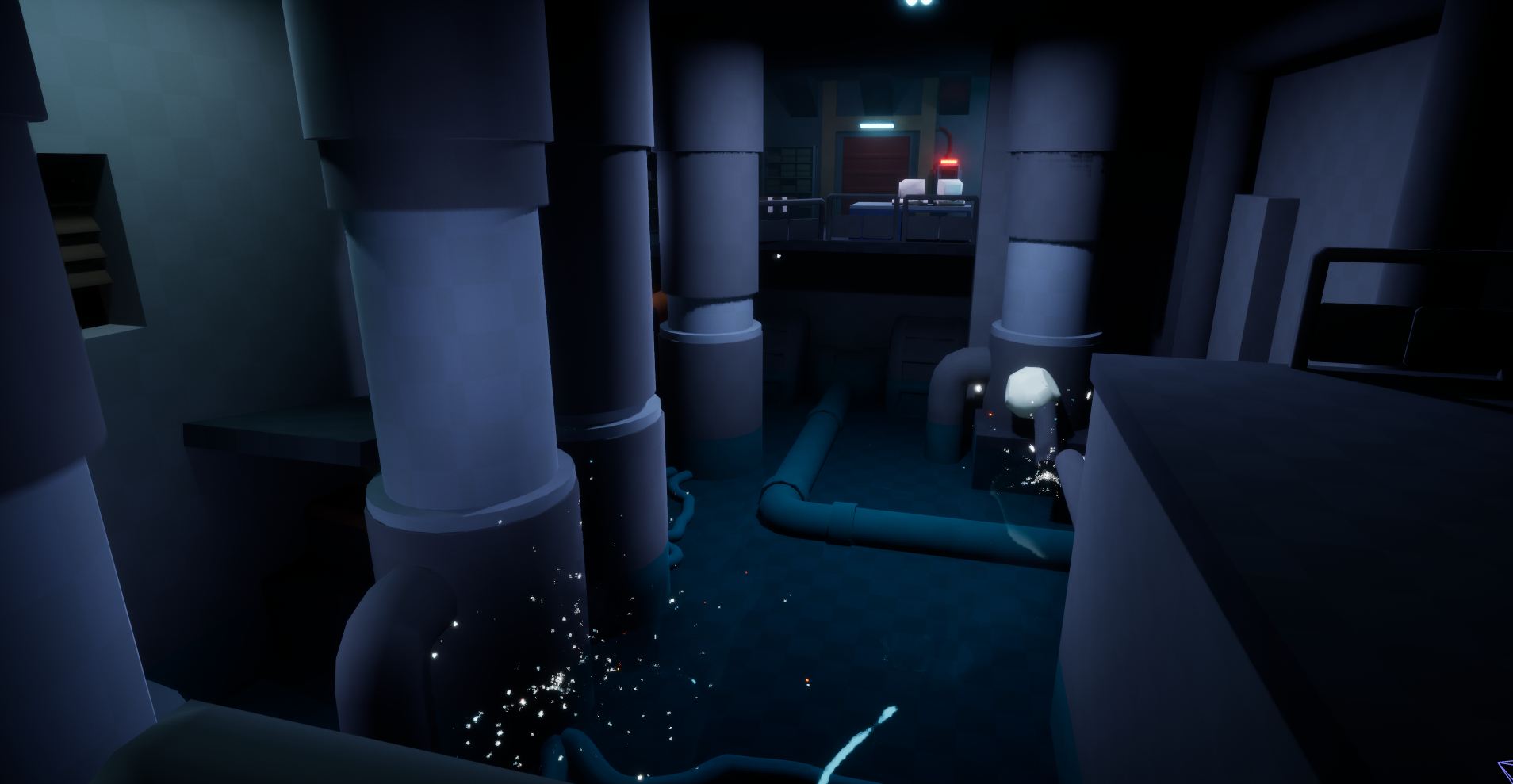
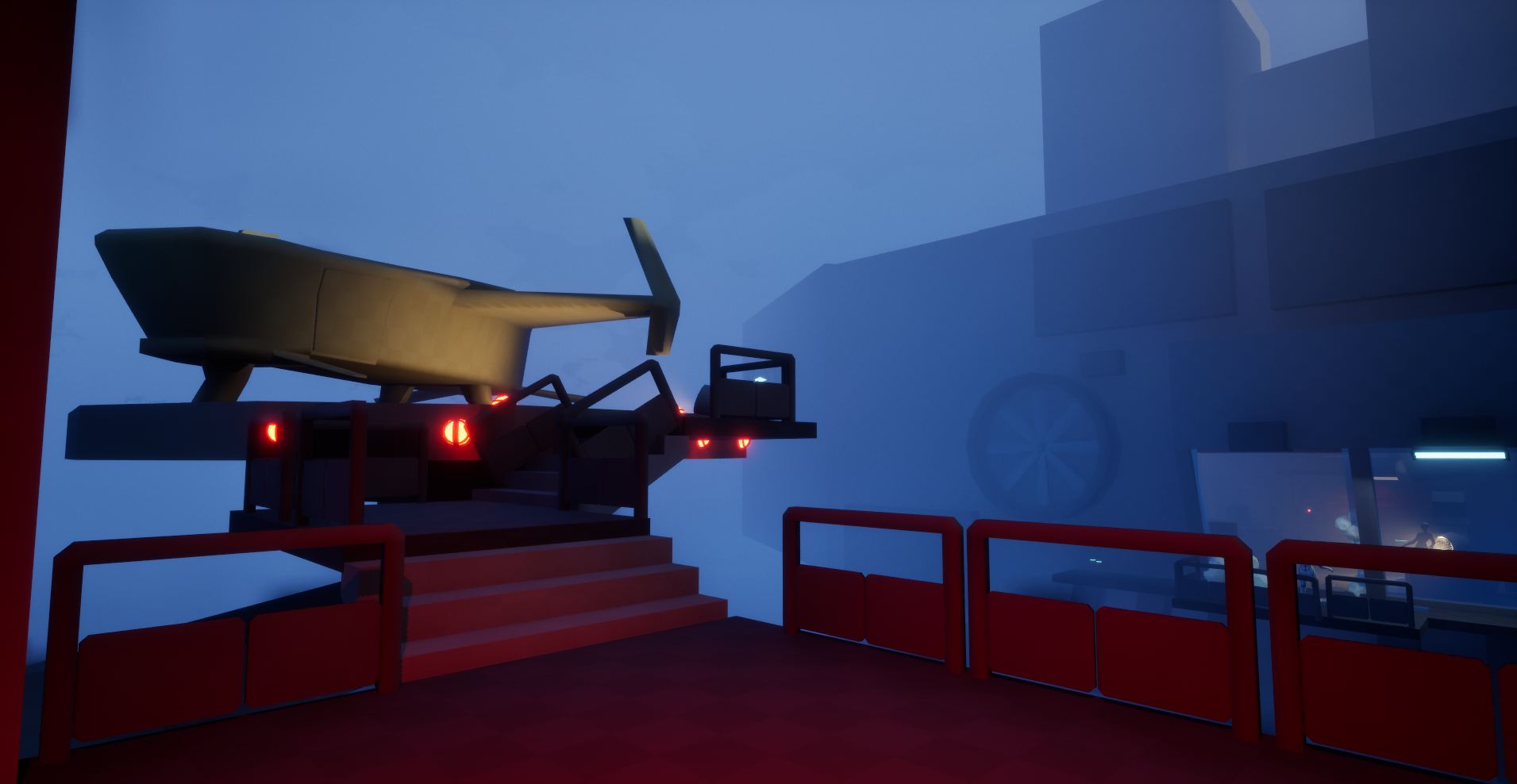
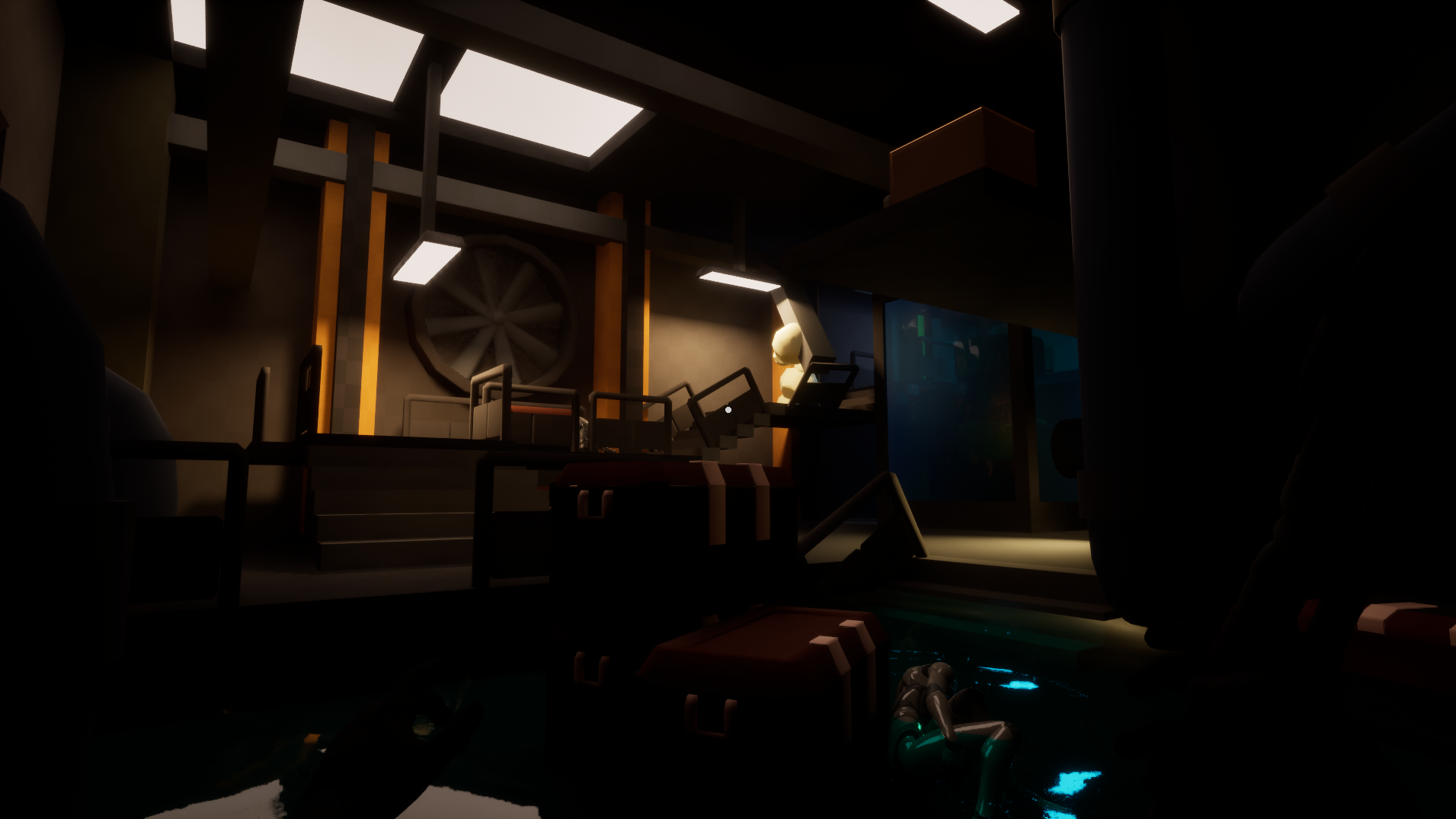
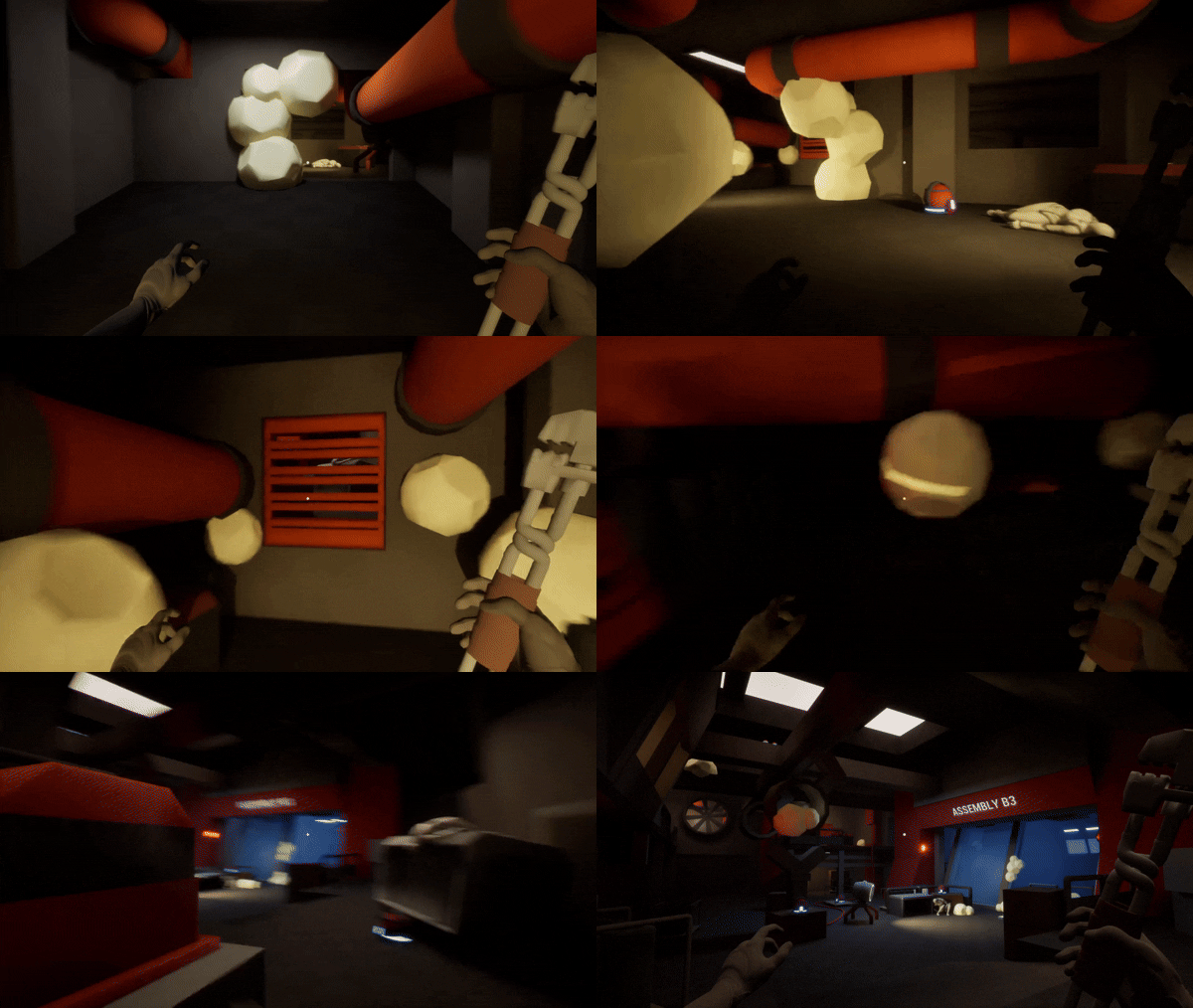
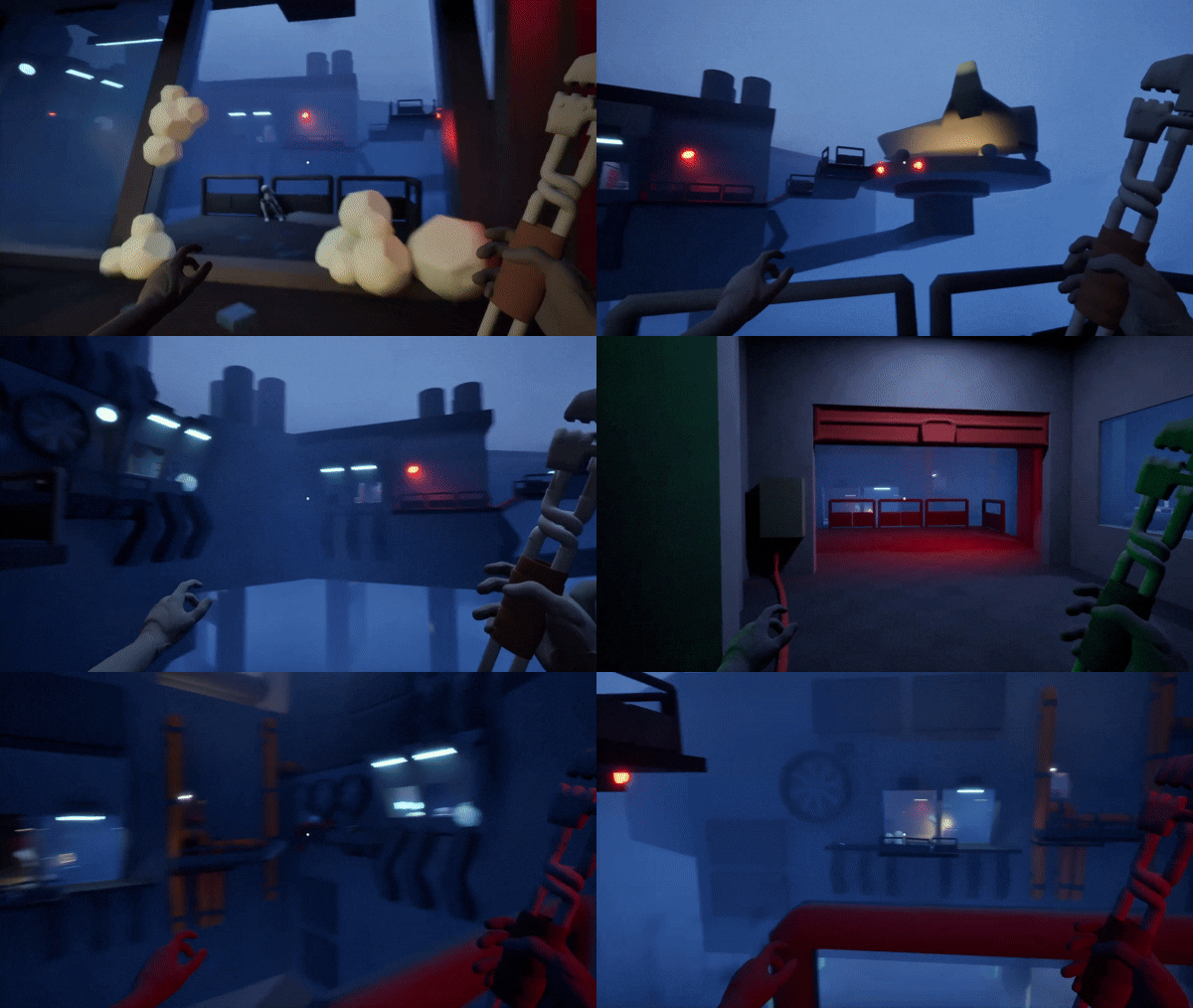
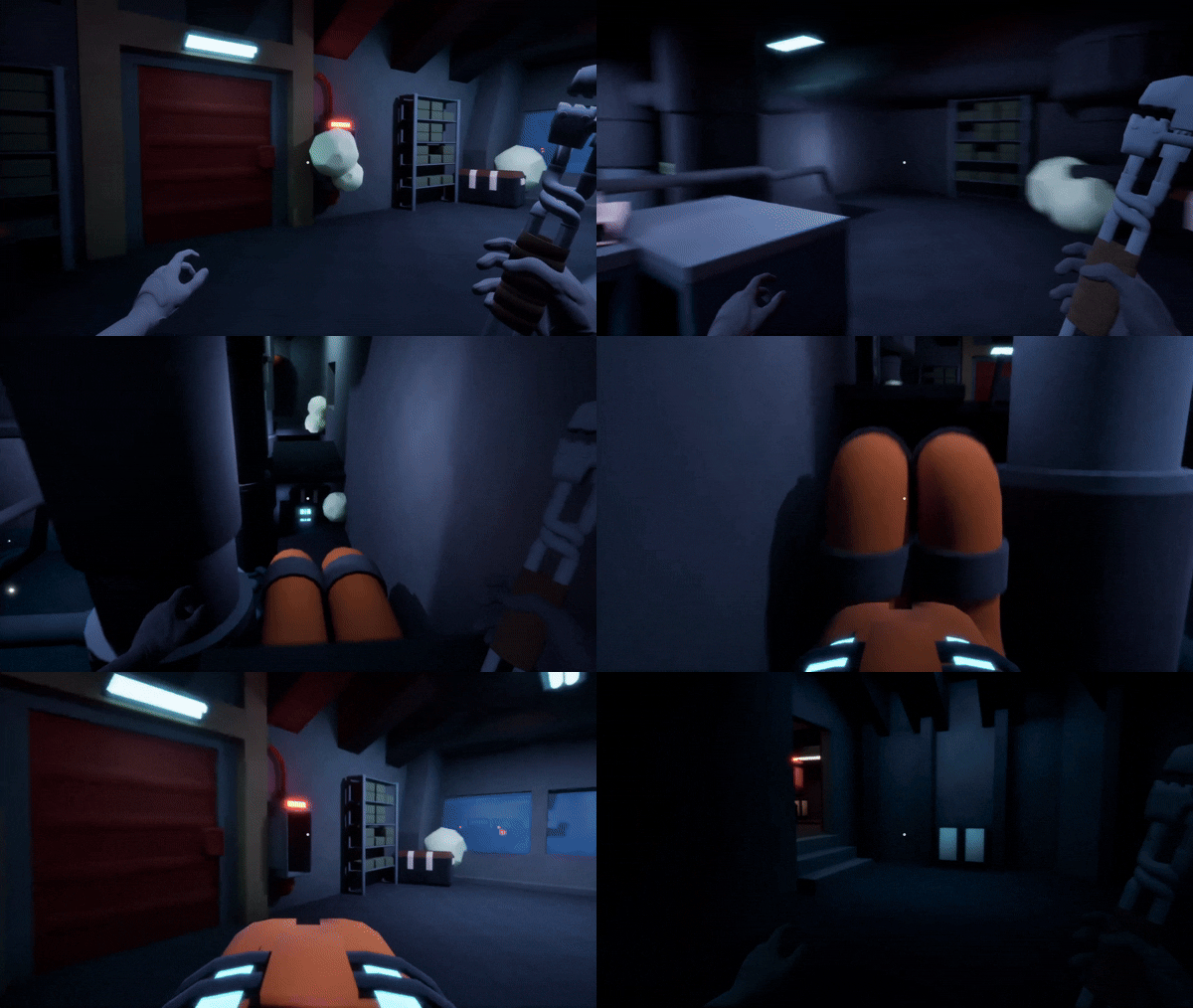
In this project I set out to create a first person experience where the player needs to escape a research facility on another planet far from home. The focus was to create a linear level that rewards exploration inspired by games such as Prey & Bioshock. The ambition with this level was to design environment and puzzles that seamlessly blends together in to a tight and exciting experience while still preserving a sense of player agency.
Goals
Immersive Level Design
Pacing
Puzzles
Environmental Storytelling
project details
Developed over 3 and a half week, half time.
Engine: Unreal Engine 5
Level Design
Self scripted template
Level assets made in Blender
Animations made in Unreal Engine 5
External
Realistic Starter VFX Pack Vol 2
Blockout Tools
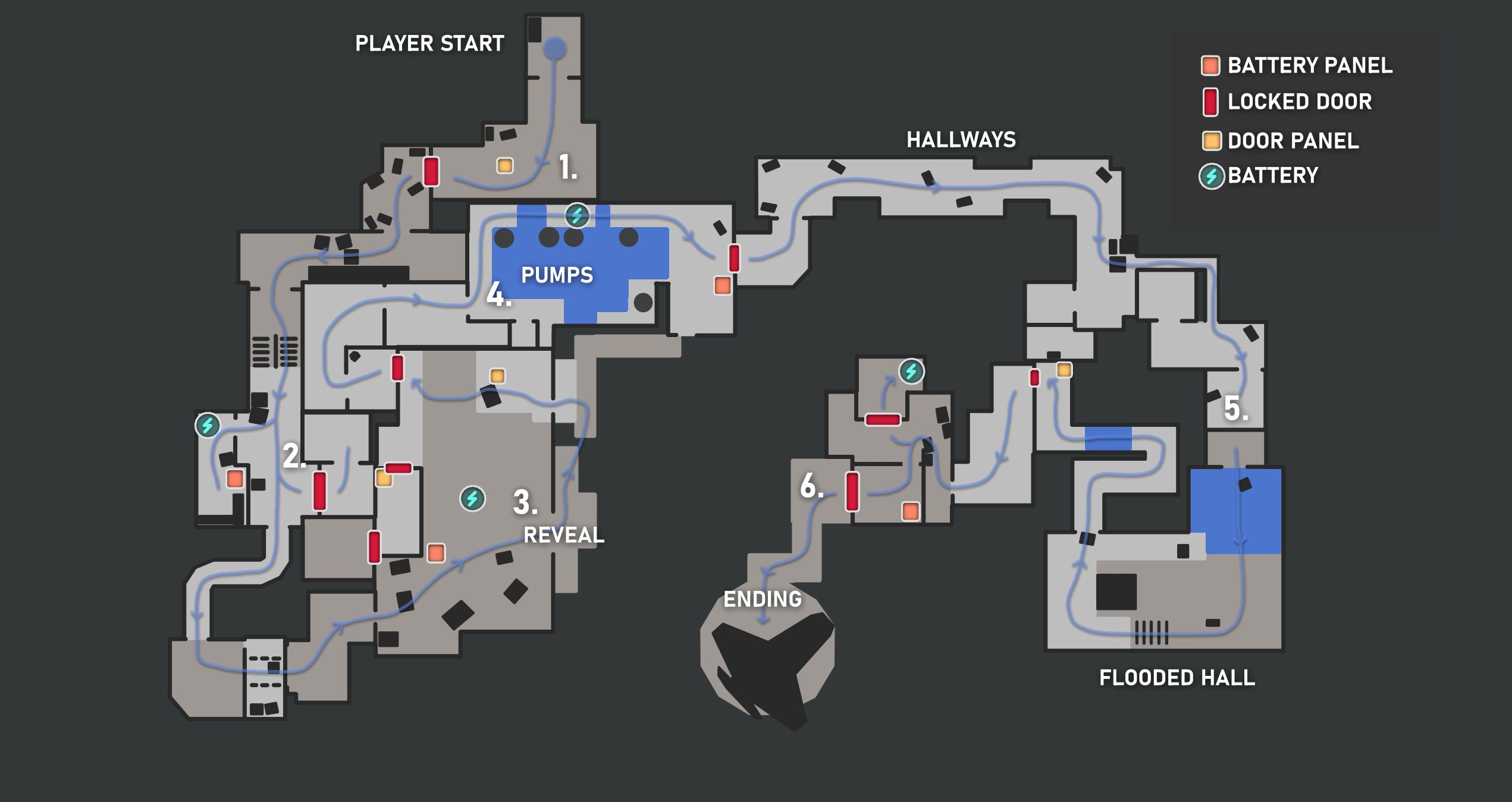
Level overview
level flowchart
1. Introduction
2. break the fan
3. the reveal
4. hazards
5. down the rabbithole
6. to orbit
Design process
Planning my work
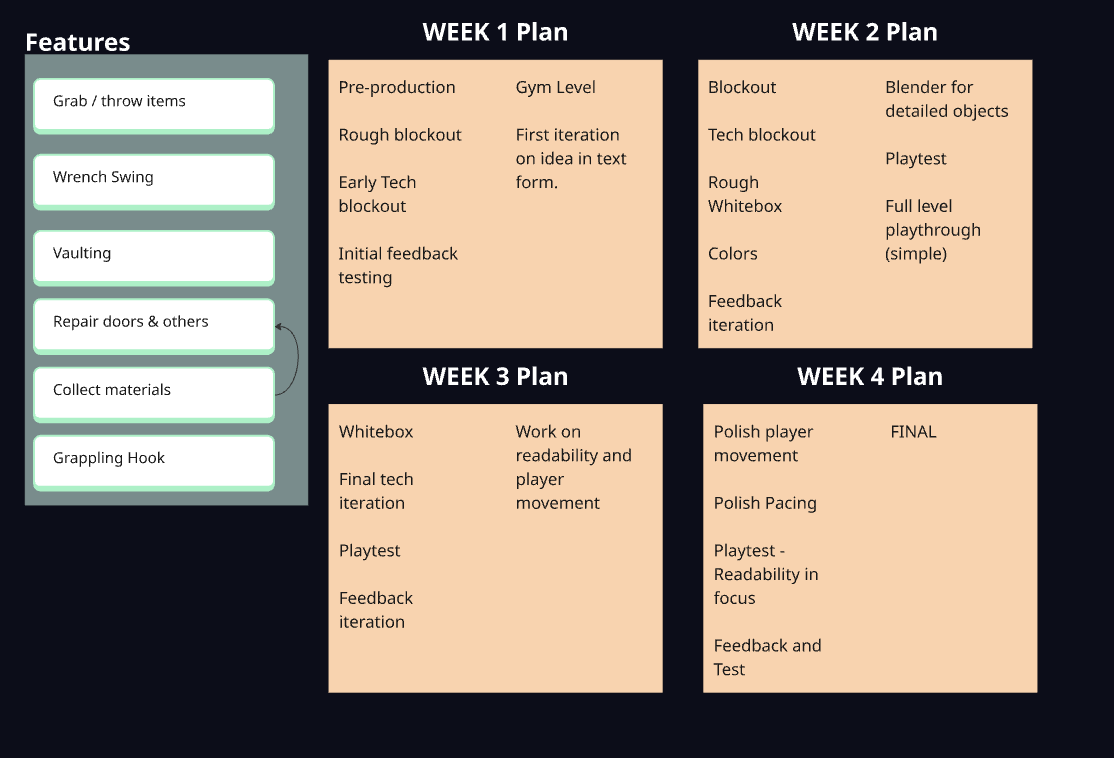
For this project I wanted to work with a short deadline and focus on moving on and structure my work accordingly. I planned for a four week project, and reached my goals after three and a half week.
Before I begin working with a project, I like to make a simple plan with clear goals and deadlines. The plan does not need to be set in stone, its function is to help structure my work and make it clear when and were things need to be done.
When I plan my work I like to add more to the table to help with inspiration. With early testing I can determine what works and what should be cut. This plan was made with Miro.
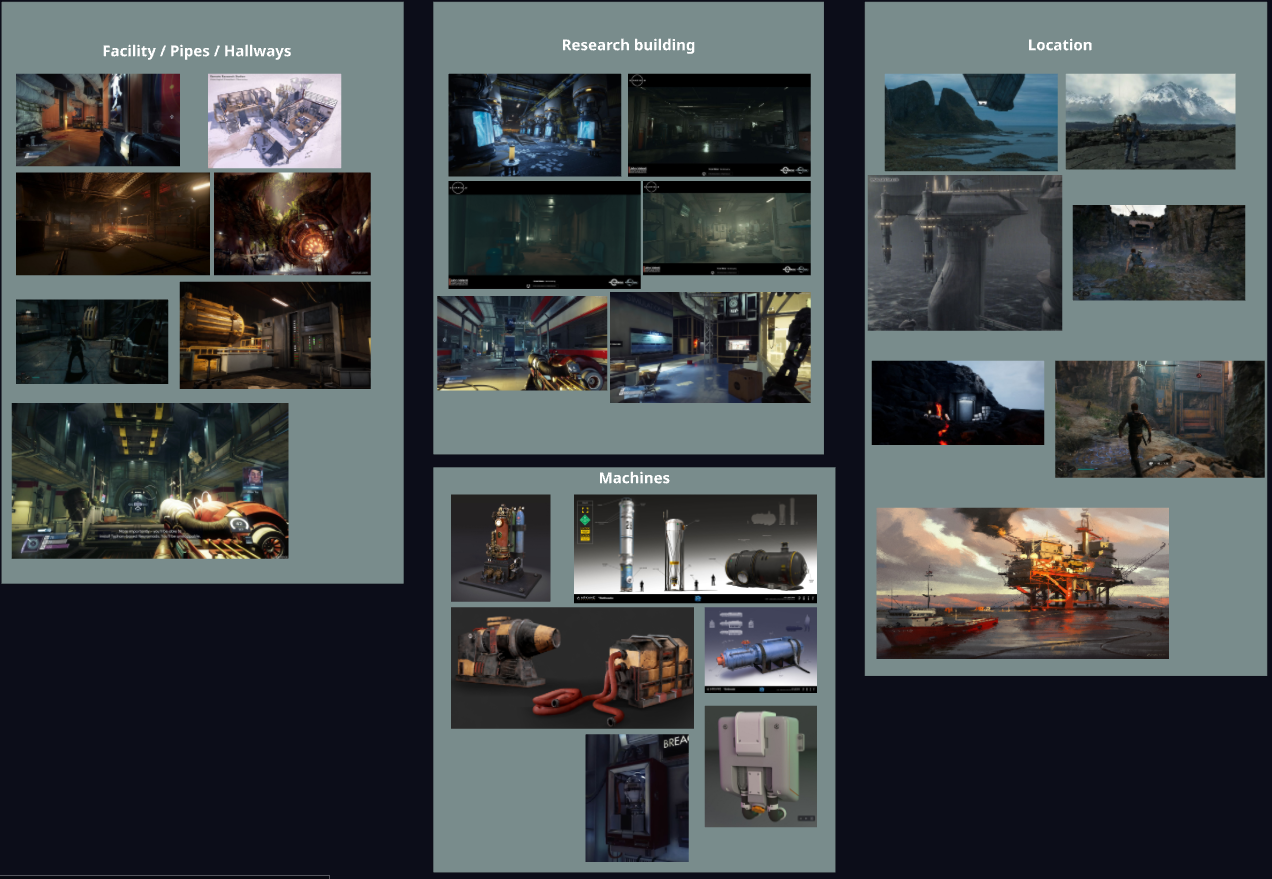
Gathering Reference
In my design process, finding references is a big part to help me get a visual representation of my level. It also allows me to share my thoughts with coworkers / friends, and early iterate on my ideas with their feedback.
My reference table will mostly consist of architecture and visuals. If I will be working with gameplay mechanics I also tend to find reference for the object or mechanics that the player will interact with.
Blockout process
Iterations
During the blockout phase of my design I try to iterate as much as possible. Basing my iterations on feedback, and on new ideas that takes shape while making the level. If a level feels off, or does not meet my expectation, I take no issue with making large iterations and changes. I can quickly build a new level, and when I’m happy with the design I can move on to the next phase, which is ussaly adding mechanics and colors to the level.
Design techniques
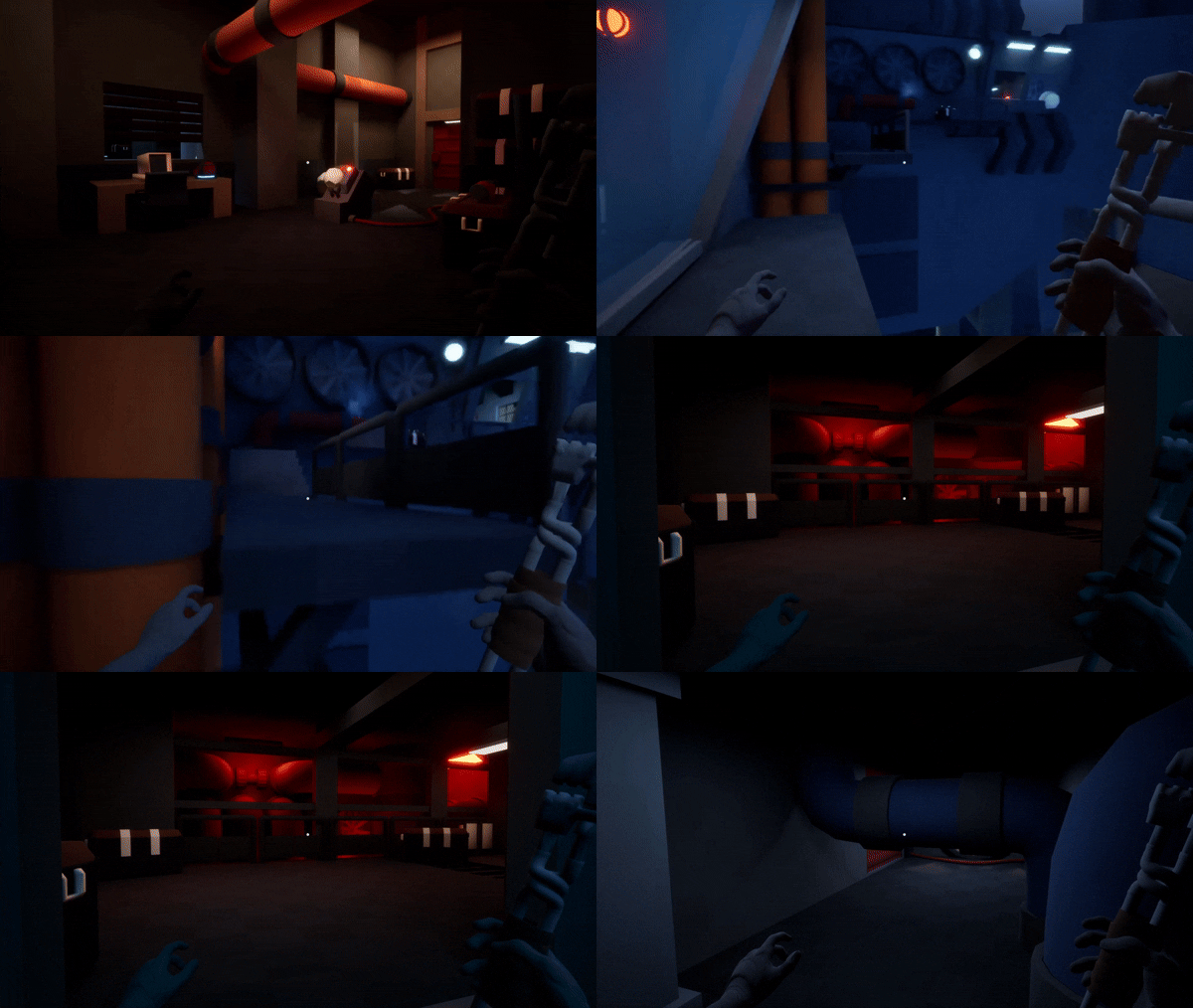
using movement to draw attention
In early playtesting I noticed that some players could easily get confused on where to go next. One of the solutions to this was to add movement in the level. With the use of mechanical fans and pumps, players started to advance more quickly through the level and got stuck less.
vertical design
To create fun movement I designed around the intent to allow the player to move vertical and have it be part of how they progress through the level. This helped to make the rooms more involved, and engaging. As well to teach the player to look for ways to move around in different ways and award their exploration.
Funnel before reveal
Funnel before reveal is a technique we can use to increase the tension for the player when moving around the the levels. I designed a tighter corridor that leads the player in to a larger, more open space. To motivate the player in I block parts of the initial reveal after we get through, to then give the player a full reveal of the space.
loop the level
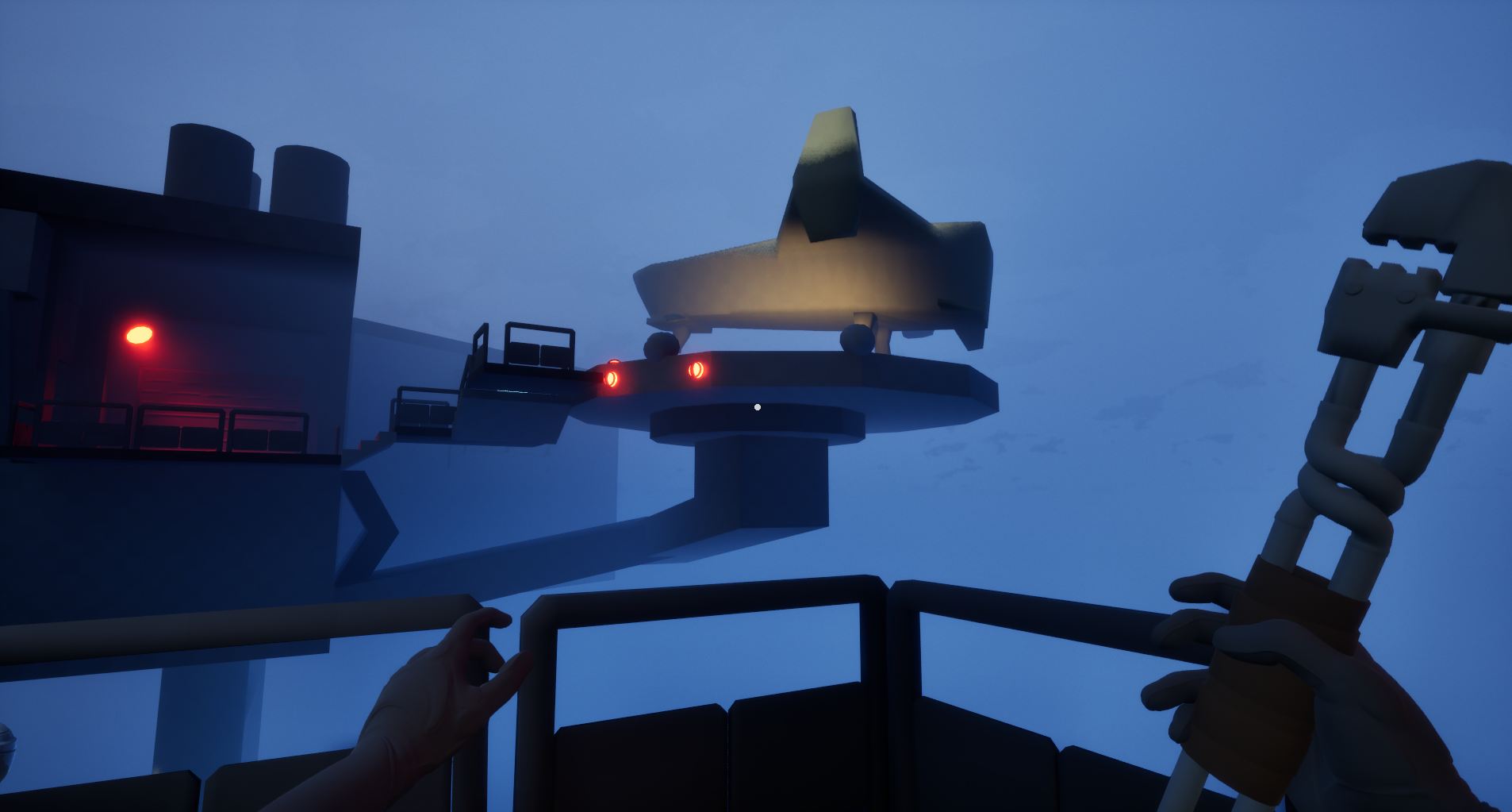
One of the things I wanted to achieve with this level was to give the player an early look at their goal and then have the level loop around, so that when they reach the end they’ll look back at their journey and see their progression.
GAMEPLAY
simple puzzles over complexity
Since I planned a short project, it was important to not overcomplicate the puzzles. My intention was to have the puzzles feel natural and invite player movement. If at any point the player needed to stop and think to hard about the puzzle, I would go in and restructure it to fit the planned pacing.
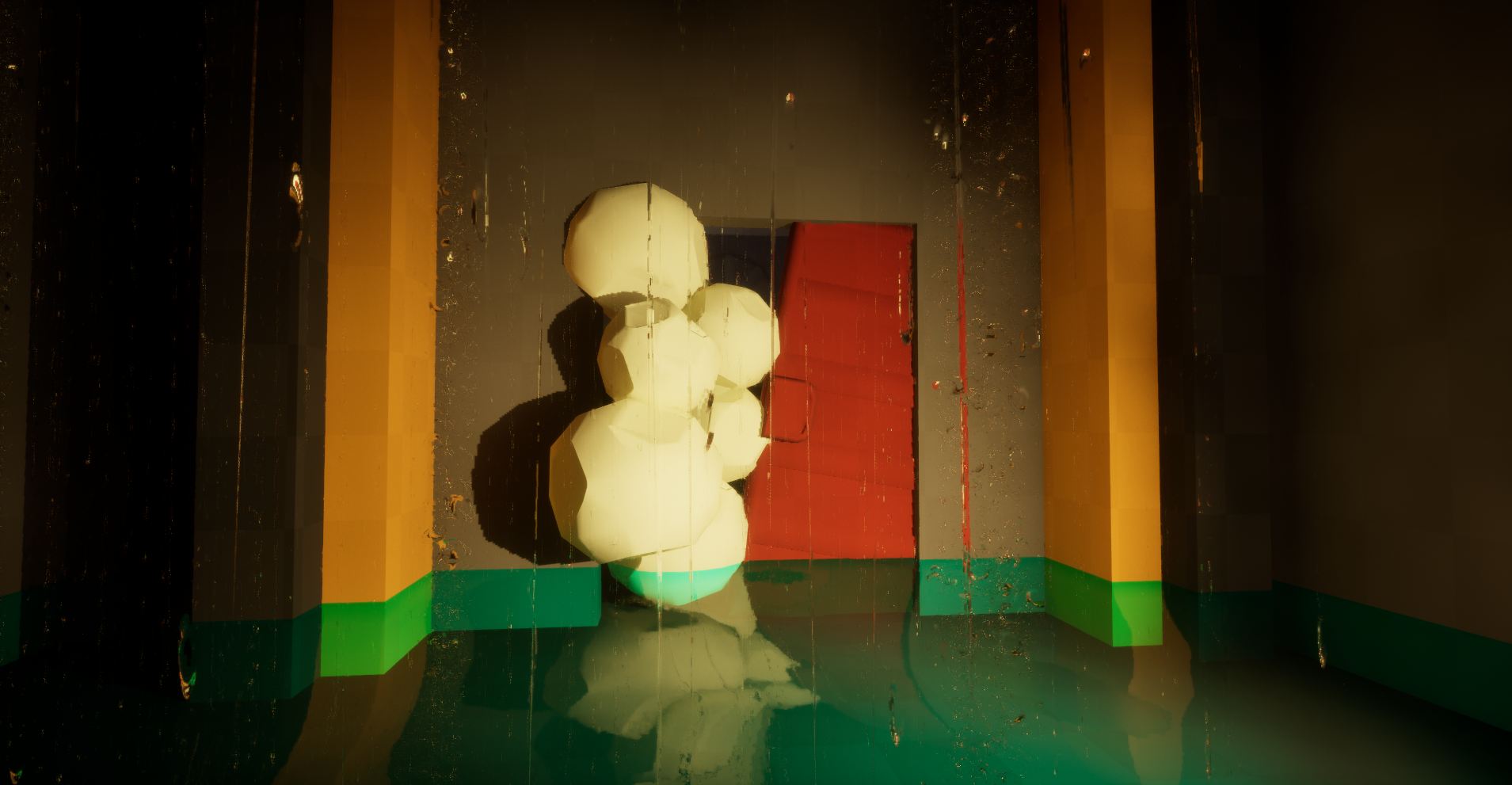
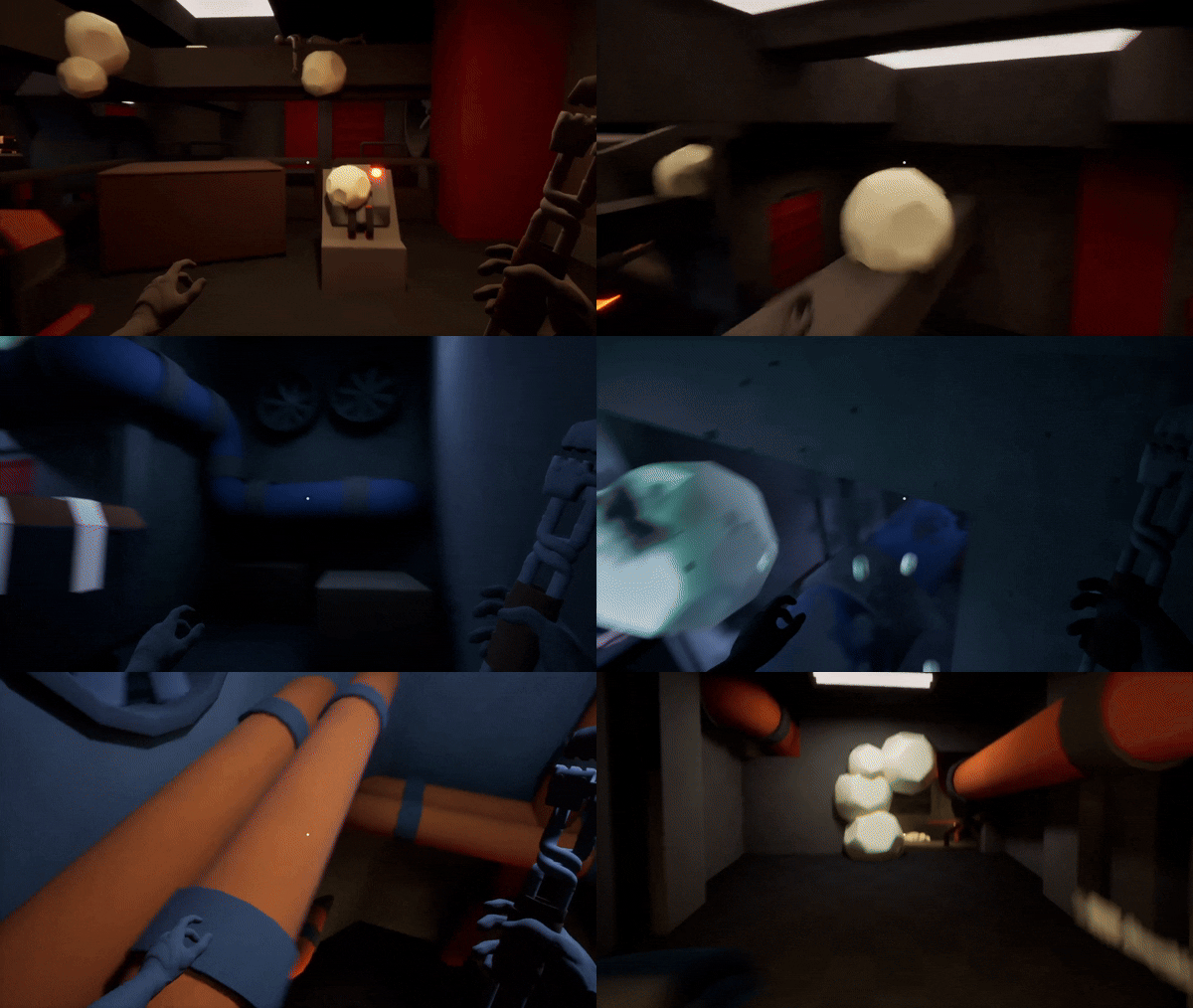
My breadcrumb for the puzzles are the chalkstones that works as a guide around the level and helps to tell the player where interesting things can be found. At the same time, they served as a fun object for the player to smash and interact with.
using the wrench
The wrench became my level main mechanic from early playtesting, as I noticed that players enjoyed using it to smash the chalked stones and just swing it around. So I took an early decision to use the wrench as part of the design of my puzzles. When players learned that they can use it to smash the panels to opens doors they reacted in a positive way and thought it was fun and engaging.
The level was first design to use a grappling hook. But as the wrench became more prominent, the grappling hook was too much and served little to no benefit for goals and the design, so I cut it from the design.
pick up and throw
A mechanic that I personally love in first person games is to be able to pick up items. It adds immersion and player agency. However, it does also introduce risks. Such as if the player decides to throw away an important item? How well they understand the items purpose? And much more. To lessen the risks, I had to think about the placement of puzzles, where the player needs to pick up items to continue, and what item they need and can pick up.
Closing thoughts
This project was a joy to work with. I’m proud about the choice to give myself a short deadline and then to also reach my goals two days ahead of said time. But with short projects comes sacrifice. If I had more time with the project, my focus would be to improve how I teach the player to move vertically. In my later playtesting some players with less experience in the genre could find some of the paths hard to find, since it required the player to play around with their movement in ways they were not used to.
I wished to have had explored deeper with what types of puzzles I could design with the wrench. If I would have had a chance to begin again, my focus would have been to ignore the pick-up mechanic and just design more interesting puzzles and levels with the wrench since players enjoyed it so much.